Your practice space
Less rush.
More music.
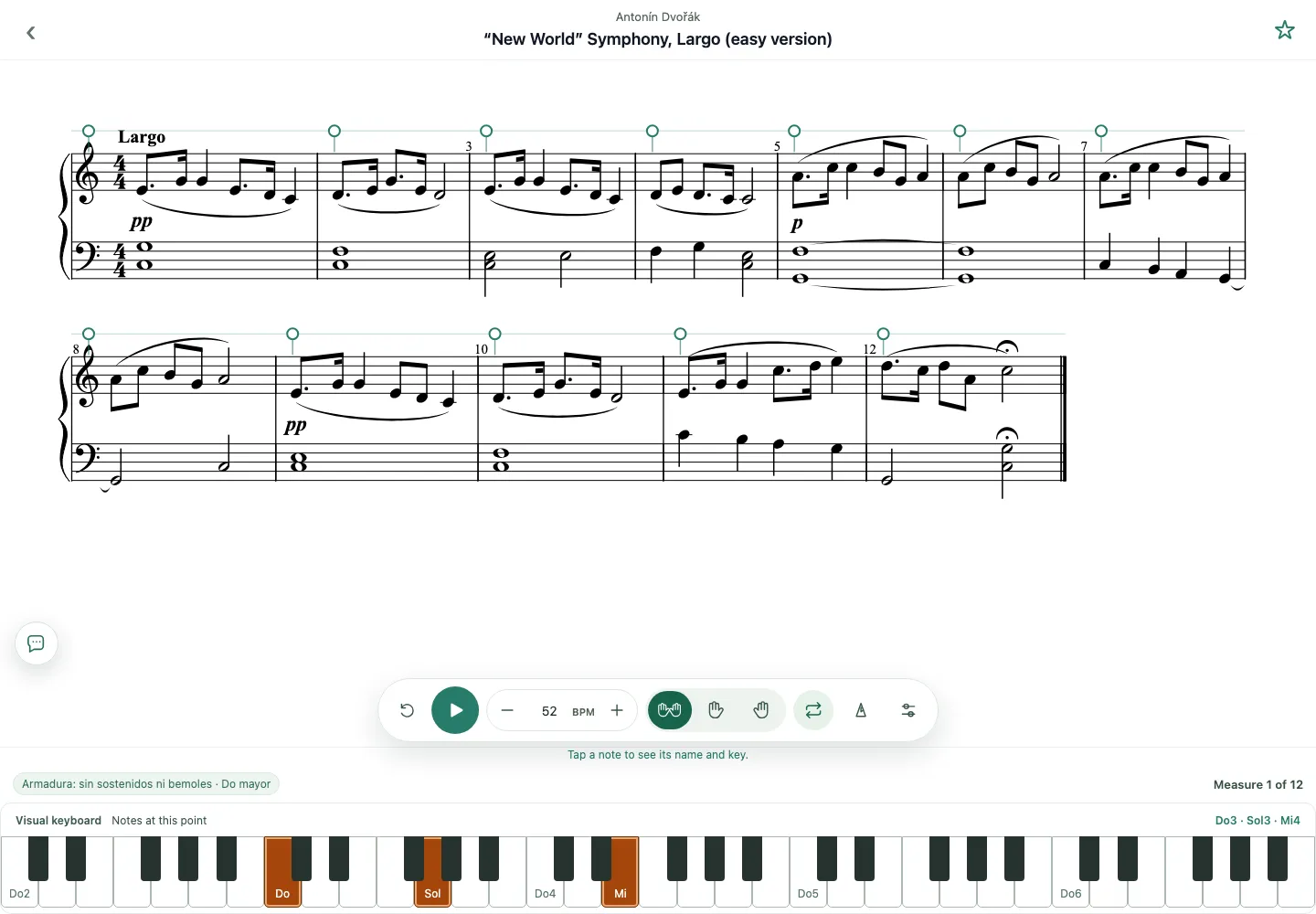
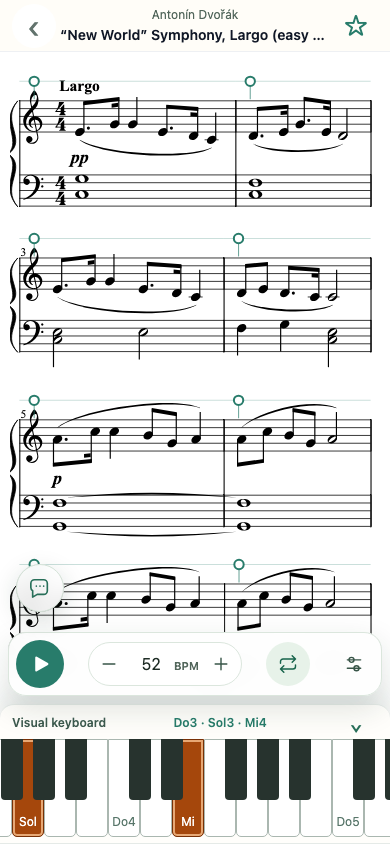
Practice interactive sheet music at your own pace.
- Slow down the tempo without changing the pitch
- Loop difficult passages
- Practice each hand separately
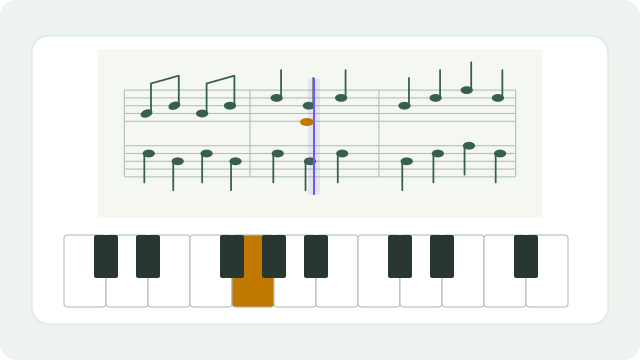
- Follow the notes on the keyboard
You can also: ↥ Import your sheet musicFormats: MusicXML (.musicxml, .mxl, .xml)
What is MusicXML?
MusicXML stores the notes and structure of sheet music so that it can be played and practiced. You can export it from a notation editor such as MuseScore Studio. A photo or PDF is not a MusicXML file. MuseScore Studio ↗
Your imports stay on your device. They are only uploaded to the cloud if you choose.
How to get started
Practice piano with interactive sheet music
Scorepace is a practice tool for piano students. Open a score, listen to it and work on difficult passages at a comfortable speed.
 1
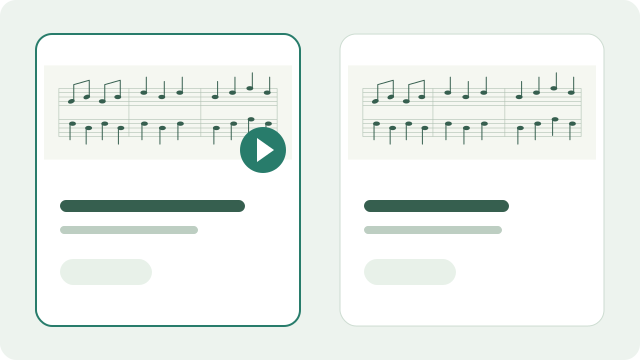
1Choose your score
Choose a piece from the catalog or import a MusicXML file.
 2
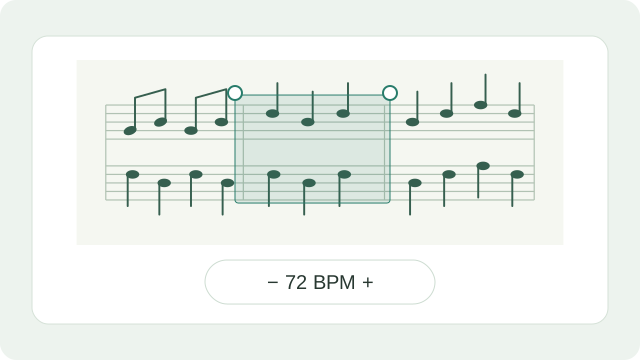
2Set your own pace
Adjust the tempo and choose the measures you want to repeat.
 3
3Listen and practice
Listen, follow the notes and practice at your own pace.
Hand selection depends on how each file is structured.